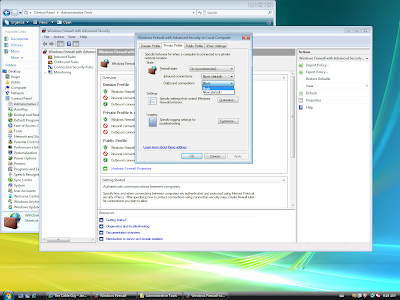
The Windows Firewall for Vista and Windows 7 allows you to block outbound connections, something that
Windows XP didn't. To block outgoing connections:
- Press the Start button.
- Open Control Panel.
- Click on Administrative Tools.
- Click on Windows Firewall with Advanced Security.
- Click on Windows Firewall Properties.
- Select the Private Profile tab. (or the Public or Domain tab if you are on that type of network.)
- Choose Block in the drop down for outbound connections.
Now Windows will block outgoing connection. I did however not see any notification when an outbound connection was blocked. There's an option to display a notification about blocked inbound connections, but I could not find anything about outbound connections. Anyone know how to enable these?